 English
 Français
 Deutsch
 Español
 Português
 Italiano
 Polski
 Русский
 Türkçe
 日本語
日本語
 한국어
한국어
 中文(台灣)
 中文(中国)
 हिन्दी
⏱️
Real-time timer
A subathon clock that extends with every sub, gift sub, cheer and donation — updated instantly, no refresh.
 Marathon-Timer
 Connect
Subathon turns your subs, cheers and donations into live time. Plug in Twitch, YouTube and Kick, set how much each action adds, and your OBS overlay updates in real time — for your whole subathon.
It's free — no subscription and no commission on your subs or donations.
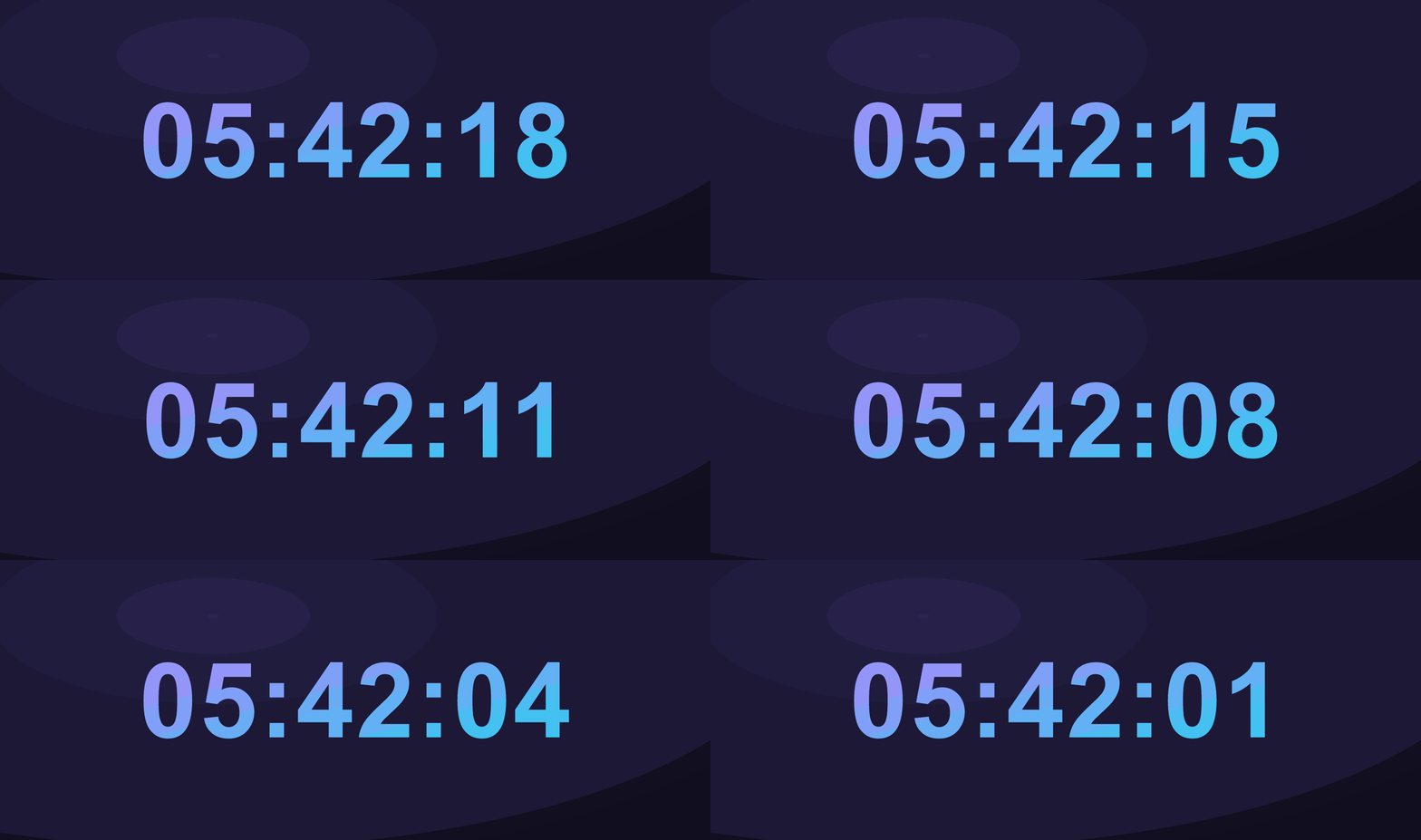
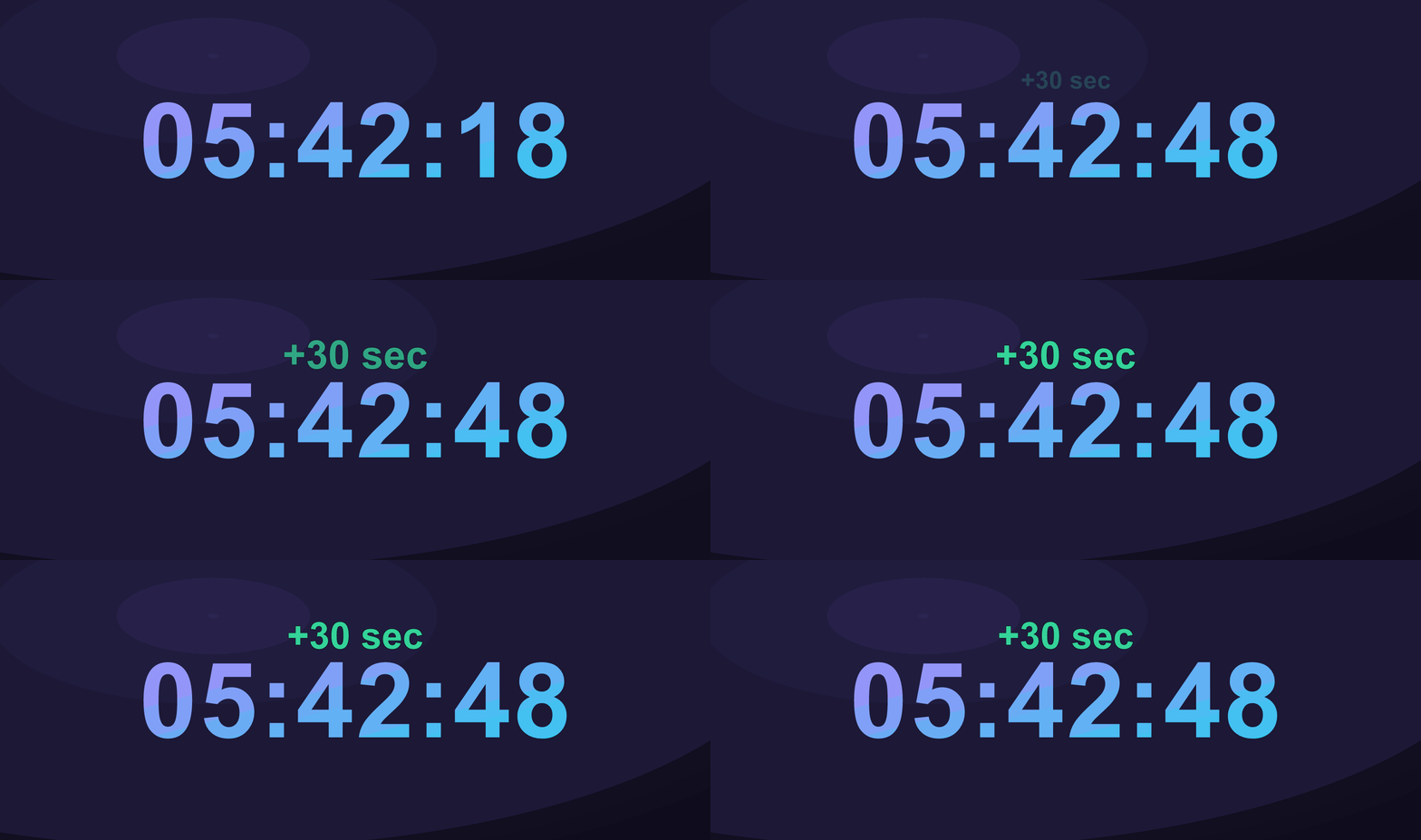
A subathon clock that extends with every sub, gift sub, cheer and donation — updated instantly, no refresh.
Transparent browser sources for OBS and Streamlabs. Copy your link, drop it into a browser source, you're live.
Twitch, YouTube and Kick for subs, plus donations via StreamLabs, TipeeeStream, StreamElements and Ko-fi — all on one clock.
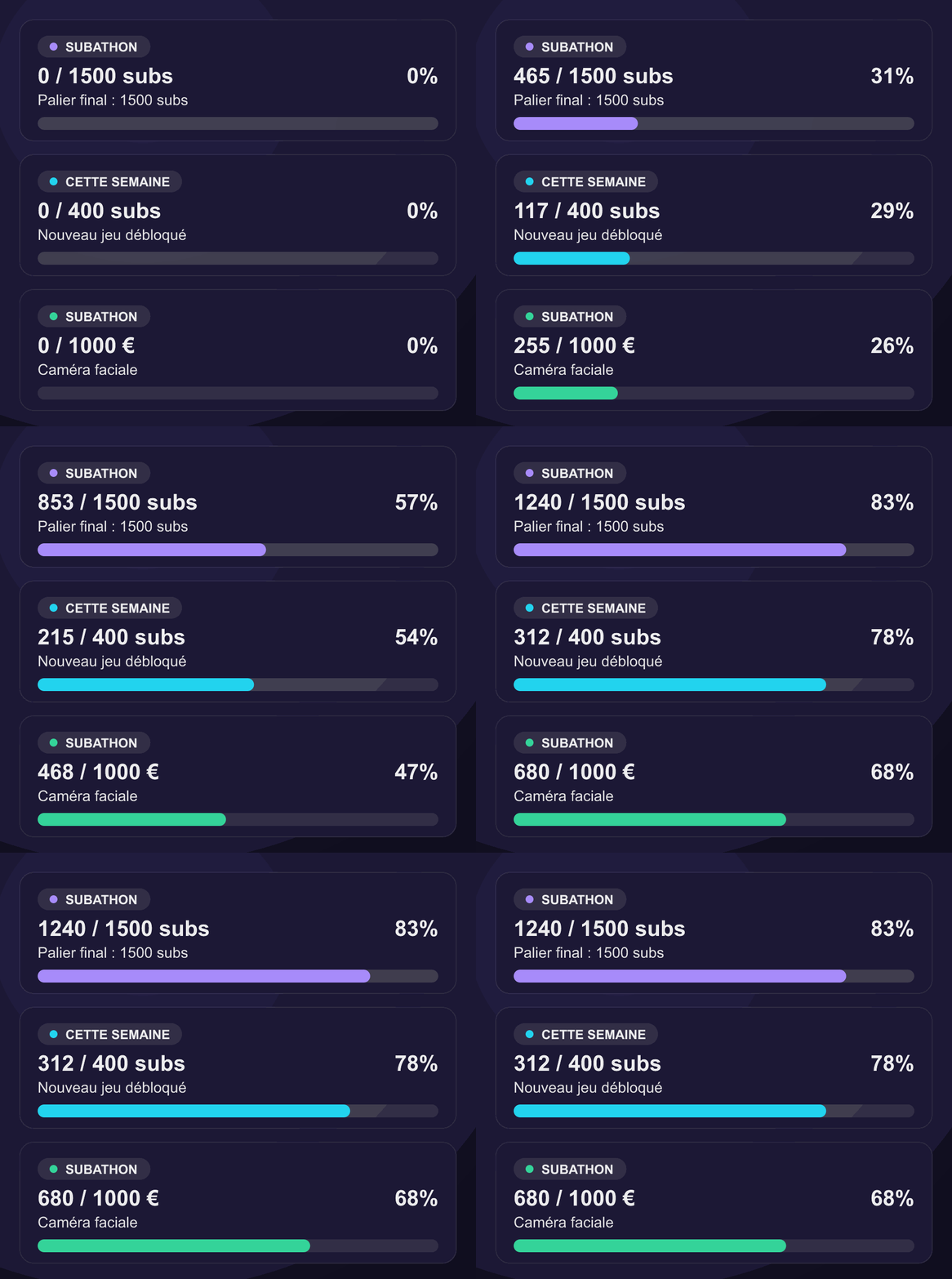
Goal boards that reset daily, weekly, monthly — or for the whole subathon — each with its own overlay and style.
Fine-tune time added per tier, cheer and donation, then style your overlays with themes and custom CSS.
Share a public page with your community and keep the full history of your past subathons.
A boss on screen that your community takes down with subs, bits and donations — whoever lands the final blow takes the crown. Run several at once, each with its own sources and lifetime.
Multiply the time earned for a set while — on every event or only the ones you pick — launched now or scheduled ahead, with a countdown badge on the overlay.
Let a moderator or co-host add time, start, pause or restyle your timer with their own Twitch login, with only the rights you give them.
Write to me directly — happy to help you get set up on your channel.